Made You Look.
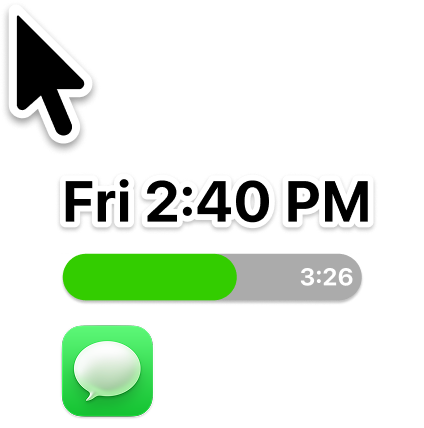
Time blindness means out of sight, out of mind. Proximate keeps time, timers, and notifications right where you're already looking — next to your cursor.
No credit card required to get started
Not at your computer right now?
Send yourself a link for later.
What you see is all there is.
If time isn't visible, your brain forgets it exists. The fix isn't willpower; it's making time impossible to miss.
Whether it's deep focus, ADHD, or just working across big screens, when time isn't visible, it stops feeling real.
That's time blindness — and the fix is simple: put time where you're already looking.
Three things, always in sight.
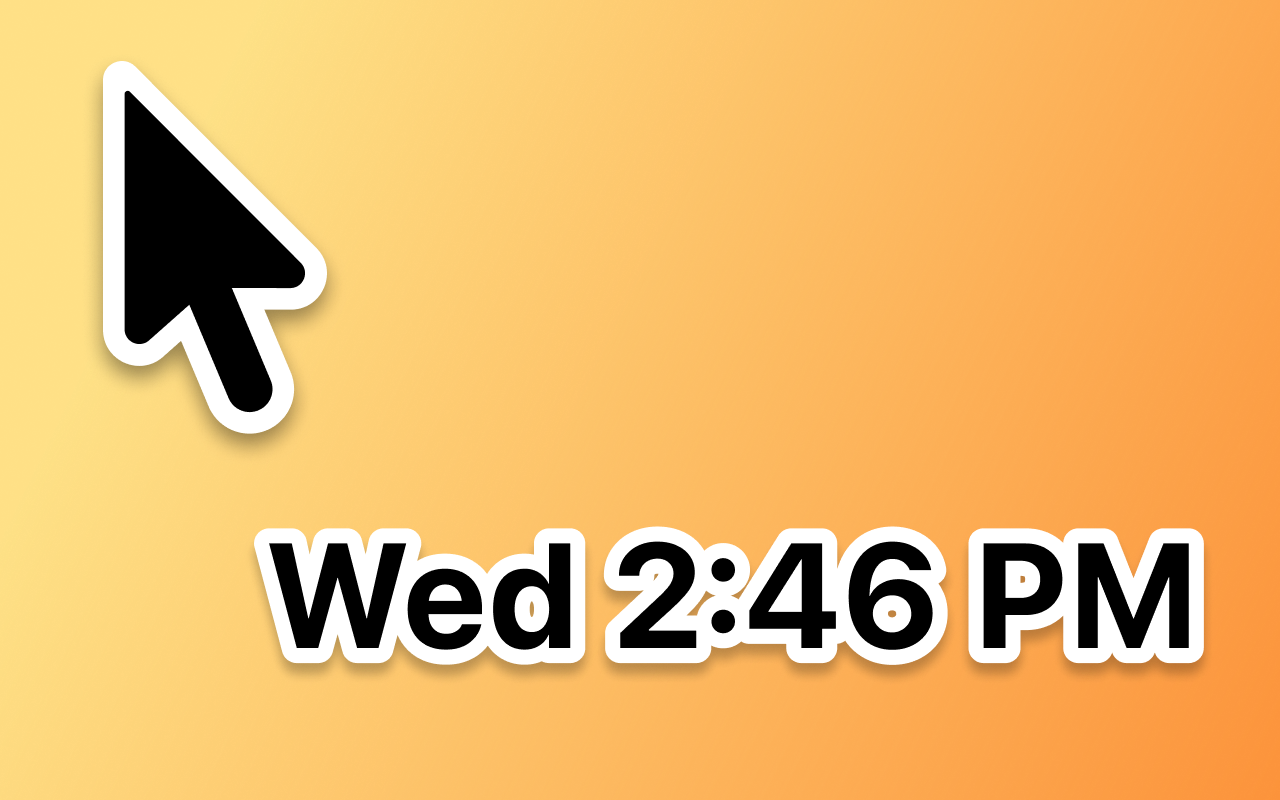
Cursor clock
Have the time and date appear right by your mouse pointer, even in full-screen apps where the menu bar disappears.
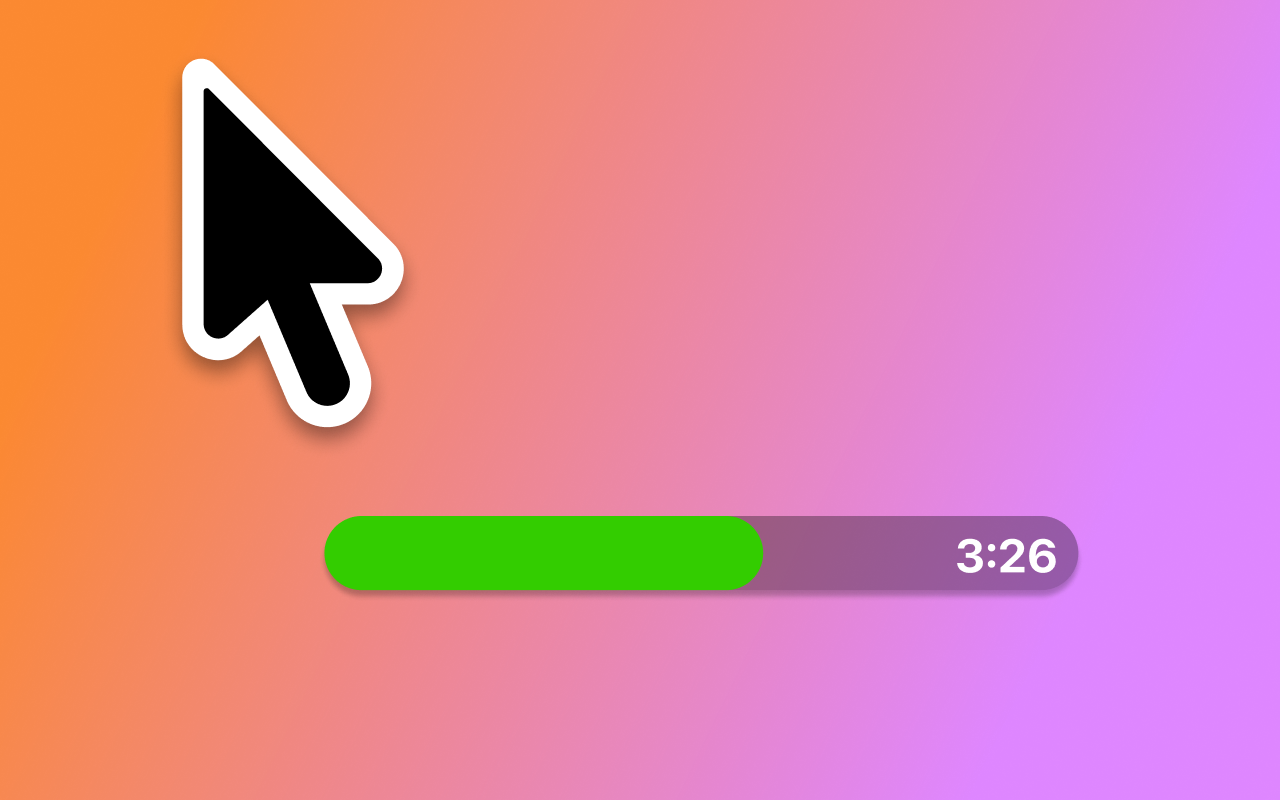
Cursor timers
Set one or more timers right next to your cursor. Count down to a deadline or track time as it passes.
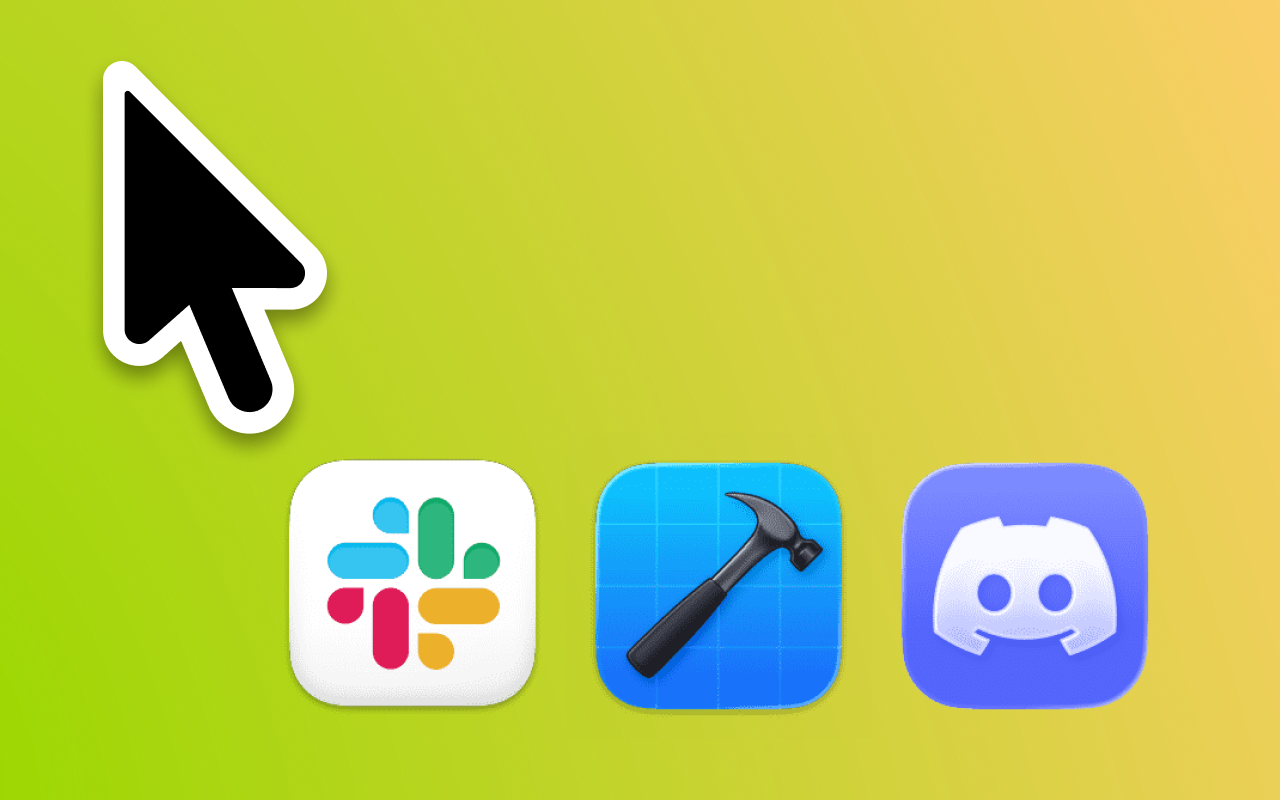
Cursor notifications
Pick the apps you want to monitor. When one sends a notification, its icon appears by your mouse pointer, and disappears when you check on it.
Make it yours.
Customize how the clock and timers look so they fit the way you work.
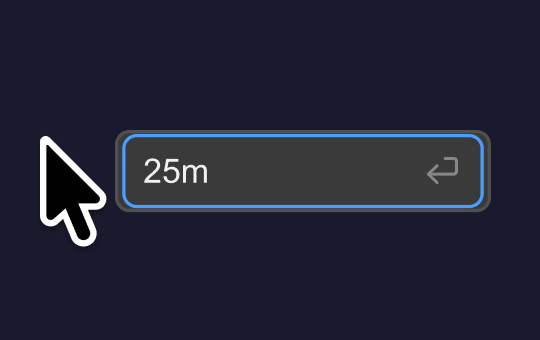
Timer quick-start
Hit a shortcut and a text field appears by your cursor. Type a duration in whatever format makes sense — 25m, 1:30, 2h — press enter, and you're off.
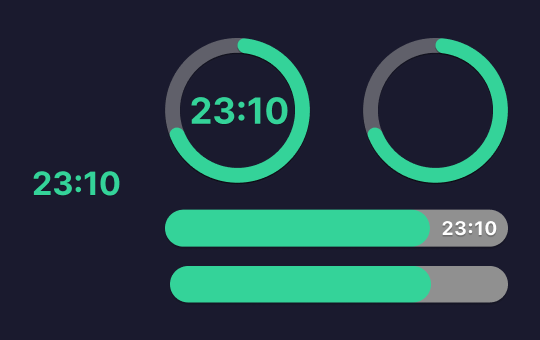
Multiple timer styles
Counters, circles, and bars — choose the shape that catches your eye. Show the time remaining or let the visual do the talking. Sizes and dimensions are fully adjustable.
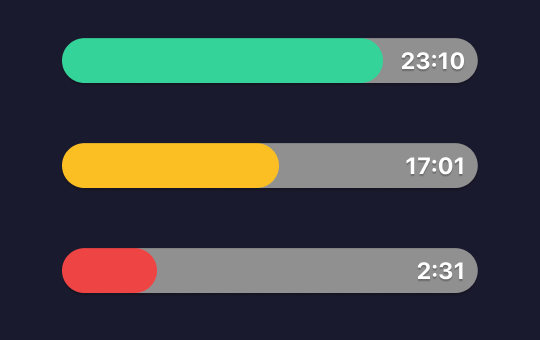
Color countdown
Set colors to shift as time runs out. Green, yellow, red — or whatever palette you choose.
Run as many timers as you need — they all appear next to your cursor.
Clock customization
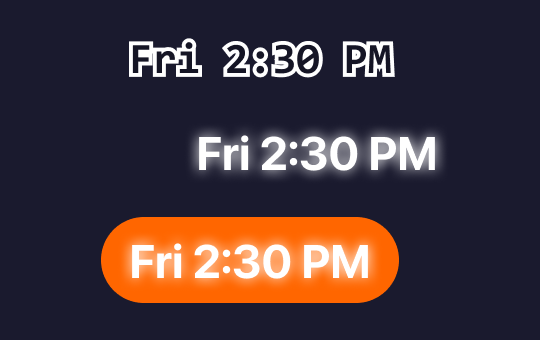
Display styles
See time as you like it. Select any font, color, and transparency options. Add outlines or glow effects with or without a background of any color.
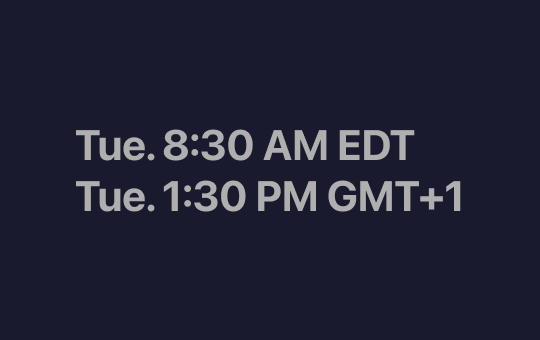
Time zone support
NEW: Show the time and date in a second time zone of your choice.
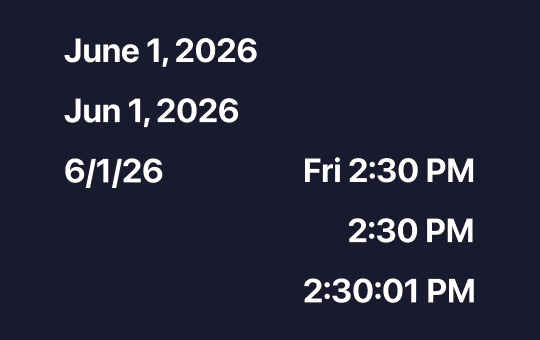
Date & time formats
Personalize the formatting of day, date, or time. See one, some, or them all.
Pricing
Never miss what matters.
No credit card required to get started.